Mounting a television can free up a console top and make a room feel more settled, but the best location is not always the most obvious wall. Before buying a bracket or making holes, consider how you watch, what the wall is made of, where power and other connections are available, and whether the television and mount are compatible. If any part of the wall or electrical setup is uncertain, get qualified help rather than guessing.
Choose the viewing location first
Sit in the place where you usually watch and look at the wall from there. Think about glare from windows and lights, the viewing angle from other seats, and whether people will need to pass in front of the screen. A location that looks balanced while standing may be uncomfortable from a sofa.
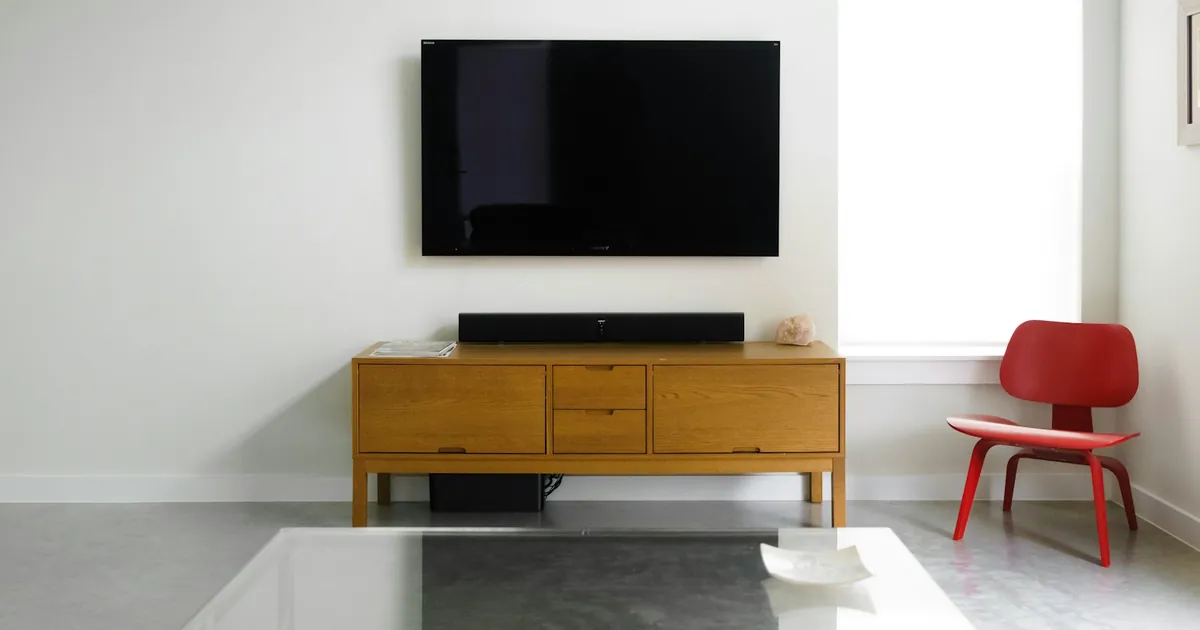
Use painter’s tape to outline the approximate screen size on the wall. This makes it easier to judge how the television relates to furniture, doorways, artwork, and the room as a whole. Consider the screen’s center and how high it will sit above a console or other furniture. Avoid choosing a height solely because it is convenient for installation; comfort from the main viewing position matters.
Check that the mount can move as intended without striking nearby walls, shelving, or furniture. If you want an articulating mount, account for its full range of movement and the clearance needed behind the screen. Keep access to ports and cables in mind, especially if the television will be close to a wall.
Confirm that the television and mount match
The television manufacturer’s documentation lists its mounting requirements, including the compatible mounting pattern and other specifications. The mount packaging and instructions identify the screens and installation conditions it is designed for. Check that the two sets of requirements agree before purchasing.
Use only hardware rated and specified for the particular television, mount, and installation surface. Follow the mount manufacturer’s instructions for all fasteners and components; do not substitute convenient-looking screws or reuse hardware of uncertain origin. If instructions are missing, parts are damaged, or compatibility is not clear, contact the manufacturer or a qualified installer before proceeding.
Understand the wall before planning attachment
Different wall constructions need different mounting methods. A finished wall may conceal framing, masonry, services, or other conditions that cannot be confirmed by appearance alone. Locate and verify suitable structural support using a method appropriate to the wall and the mount instructions. Do not rely on drywall alone unless the mount manufacturer explicitly rates and specifies the system for that exact application.
Be especially cautious if you do not know what is behind the proposed mounting area, if the wall is unusual or damaged, or if the instructions do not clearly match the conditions. Stop and consult a qualified professional in those cases. A misjudged attachment can damage property or allow a heavy screen to fall.
Plan power and connections safely
Look at how the television will receive power and connect to other devices. A nearby outlet and accessible cable route can influence the location, but do not improvise electrical work. Do not run, extend, conceal, or alter household wiring as a DIY step. If the desired arrangement requires a new outlet, moving electrical wiring, or uncertainty about existing wiring, use a qualified electrician.
Plan signal cables and device placement before installation. A console can hold streaming devices or other equipment, but leave ventilation around electronics and a way to reach connections. Avoid pinching cables between the television and wall or placing them where movement of an adjustable mount could strain them.
Prepare the room and installation plan
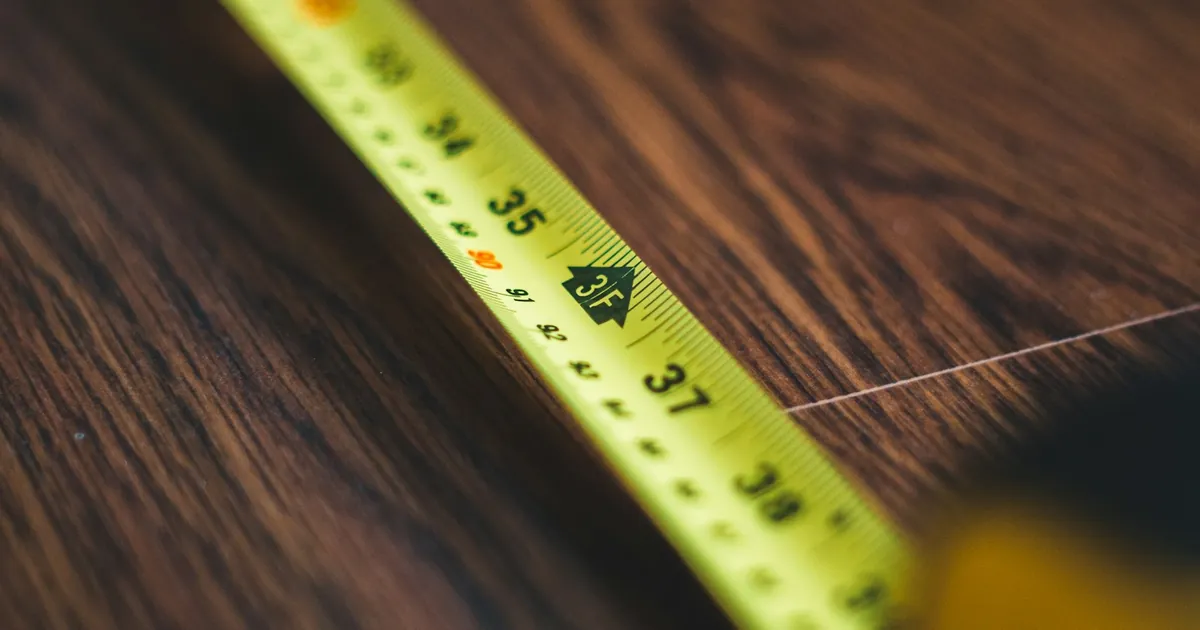
Measure the television, mount, furniture, and chosen wall area. Check the manufacturer’s requirements for clearances and installation steps, and make sure the route into the room is manageable. Remove fragile items from the work area and keep children and pets away while the work is underway. Large screens can be awkward to handle; use enough capable help or a qualified installer rather than trying to manage a heavy television alone.
Before drilling or fastening anything, confirm the final position, wall conditions, mount orientation, and required rated hardware. Take time to read the complete instructions instead of relying on a quick glance at a diagram.
Review the finished setup
Once installed, confirm that the screen sits securely and that any moving arm operates only as the manufacturer describes. Check that cables have enough slack for intended movement, remain undamaged, and do not block ventilation. Keep the mount instructions and any relevant product information for future adjustments. When the wall, electrical conditions, or installation requirements are uncertain, a qualified professional is the right next step.